
All posts

Smart attendance: QR, biometric and face attendance with instant alerts to parents
SchoolCRM24 Team
Product & customer success
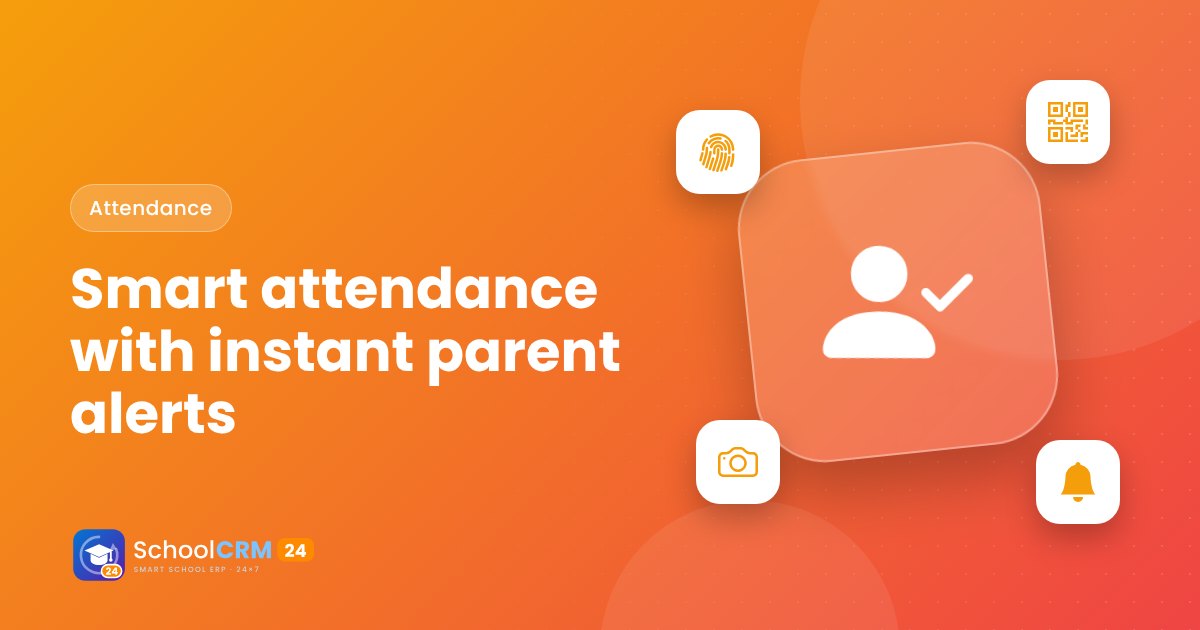
Taking attendance should take seconds, not half of the first period. SchoolCRM24 gives you several ways to mark attendance so you can use what suits each class and each gate.
Ways to mark attendance
- Class teacher on mobile — open the class, everyone is marked present by default, tap the absent students and save.
- QR code — students scan their ID card QR at the entrance.
- Biometric devices — attendance syncs from supported fingerprint or face devices.
- Face attendance — use a phone or tablet camera at the gate.
Parents know straight away
When a student is marked absent, parents receive an SMS or WhatsApp message automatically — just switch on Absent Alert in Notification Settings. Late arrivals and early departures (with a gate pass) are recorded too.
Staff attendance and payroll
Staff attendance uses the same tools. At the end of the month, attendance flows into payroll, so salary slips show working days, leave and deductions without manual calculations.
Reports that matter
- Day-wise and month-wise attendance registers for every class.
- A live attendance summary on the school dashboard.
- Staff attendance, late marks and approved leave in one place.
All registers can be printed or exported, and every printout carries your school letterhead.